
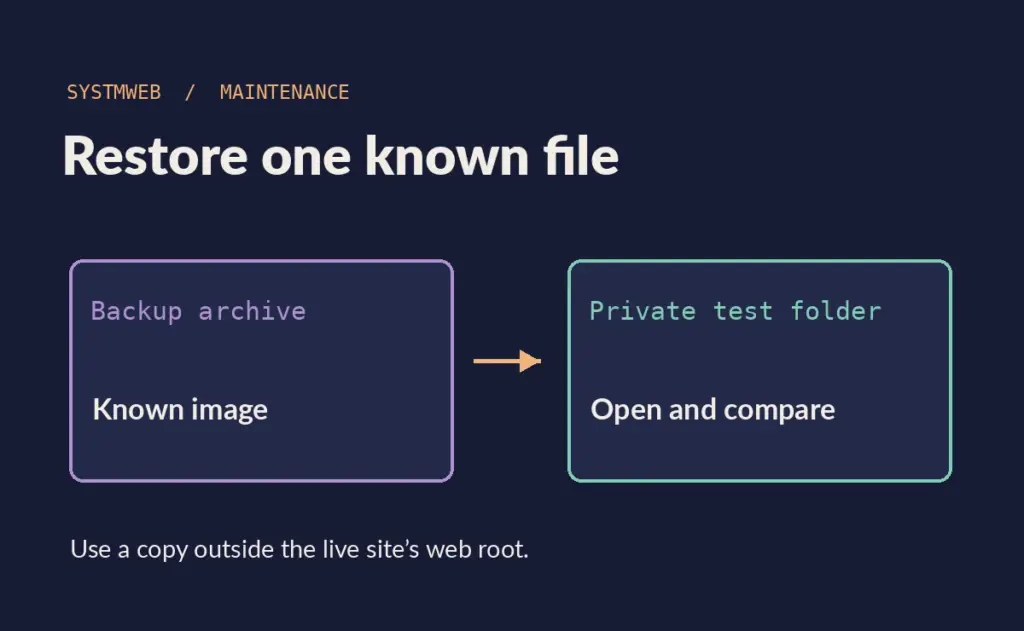
Pick a harmless file from your WordPress backup and restore a copy into a private, empty folder. Open the restored file and compare it with the item the backup was supposed to contain. This small test can reveal missing directories or an unreadable archive before you need the whole site back.
Choose a file you can identify
Use a non-sensitive image you know was in the Media Library when the backup was made. Record its name and path from your own site. If the original has changed since the backup, keep that date difference in mind when you compare the contents. A thumbs-up from the backup job only tells you that the job reported completing.
WordPress stores most site content in its database, with uploads, themes and other files in the filesystem. The WordPress administration handbook describes both parts and recommends keeping them together as a backup set. A file test exercises the filesystem copy. A complete restore needs the database too. WordPress Handbook on backups.
Restore the copy somewhere safe
Download the backup from the place you would use when recovering the site, such as your host’s backup storage. Inspect the archive in a private workspace outside the site’s web root. If your backup service has an option to download an individual file, select the one you noted and save it to an empty test folder. Keep the existing production file where it is.
Before opening the copy, verify the relative path and expected file type. Then open the image in a viewer and check that it shows the expected content and dimensions. If you have a trusted checksum from the time of the backup, compare it as a stronger check. An image can remain readable while being a different revision of the one you expected.
Use the outcome to decide what to check next
- Missing file. Check whether the backup included the uploads directory and whether the file existed when the copy was made.
- Wrong image. Compare the path and backup date. Filenames can recur across folders or revisions.
- Unreadable file. Try the stored copy again and check whether the archive or retrieval step produced an error.
Write a one-line test result with the backup date, file, storage location and outcome. Schedule a separate isolated full restoration when you need evidence that the files and database can bring the site back together. This small exercise tells you whether one piece can actually be recovered on demand.