
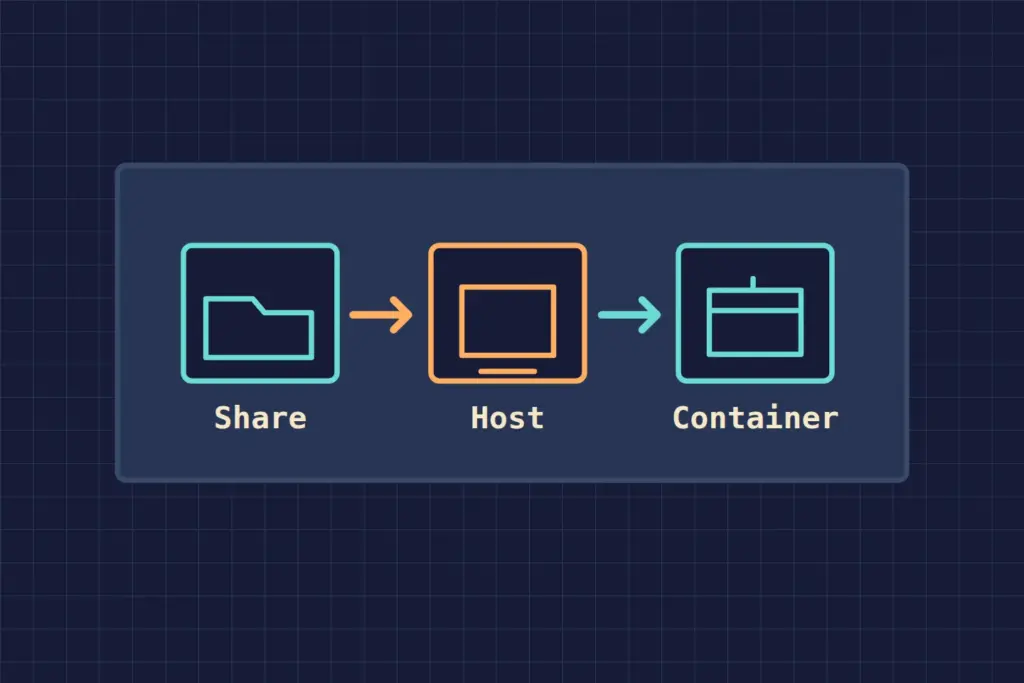
When a Docker container cannot read an NFS share, locate the failure before changing permissions. Test the export from the host where the container runs, inspect how Docker attached storage, and then check access as the process inside the container.
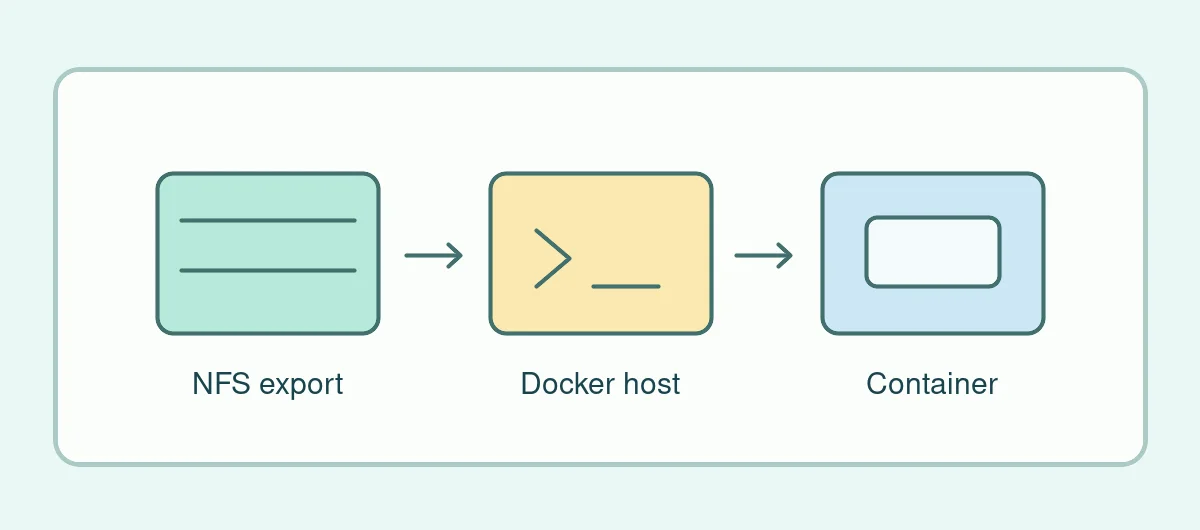
A Systm Web NAS capture links to an older note titled “Docker issues with NFS mount.” The standalone text was unavailable in the sources checked. The checks here are a new procedure for a site or system you administer, based on Docker’s volume documentation and its bind mount documentation.
Start on the host that runs the container
Confirm the server, exported path and expected NFS version with the storage administrator. From the host where Docker runs, verify that the configured client can read a harmless known file in the test share. If the share already fails there, look at reachability, the export and host permissions first. In a multi-node setup, confirm which node runs the affected task. A working share on the management workstation proves only what that workstation can reach.
Identify the mount Docker was asked to use
A bind mount makes a path on the Docker host available in the container. A named volume configured for NFS has its own driver options. Inspect the container’s mounts and the volume settings to see which applies. Match the host path or export to the container’s destination. If a bind-mounted share shows an empty directory, verify that the NFS filesystem was mounted on the host path before the container started. A local directory can exist at the point where the share would normally be mounted.
Use the identity of the application
Once the expected file appears, check whether the application’s configured user and group can read it. For example, a host administrator may be able to open a test file while the container’s service account receives a permission error. Record the owner and group on a known sample and check the server’s permissions for that identity. Test changes on a separate export with dummy files. Keep the production export limited to the clients and access it actually needs.
Keep three pieces of evidence with the fix: a successful host-side read, the resolved container mount, and a successful read by the service identity. If the application also writes to the share, verify a harmless test write in staging before relying on it in production. The DS1817+ archive guide provides related context for older network storage hardware.